
 Shopify
 WooCommerce


AI virtual try-on for fashion stores.
Shoppers upload a photo and see your products on themselves in under 10 seconds. It uses the product photos you already have and installs without any code.


 8.2 s
8.2 sUsed by 900+ fashion stores








Add a try-on button to your product pages
- 1
Install the app
On Shopify, WooCommerce or PrestaShop. No code needed.
- 2
The button appears on your product pages
Under the add to cart button, in your store's style and language.
- 3
Shoppers try on your products
They add a photo once, then can try any product.

Women · Tops
Oversized sport tee
€24.90
4.9 (214)Relaxed fit in breathable mesh, with contrast stripes on the sleeves.
Size
- Photos deleted after 7 days
- Never used to train AI models
- 15+ languages
- Whole catalog or chosen collections
Works with most fashion products
Clothing, swimwear, eyewear, hats and wigs. Hover a photo to see the shopper's original.
See all categories →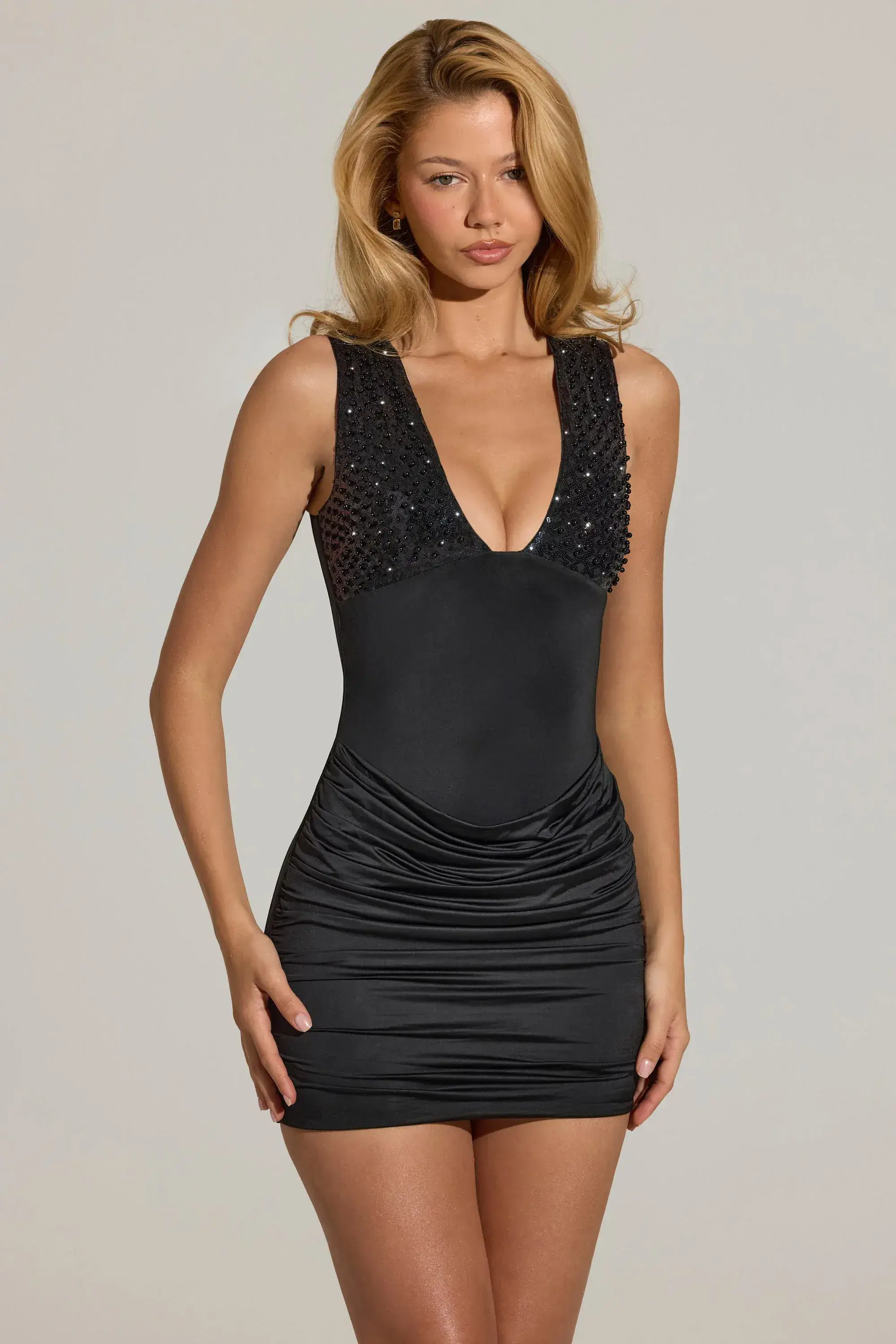


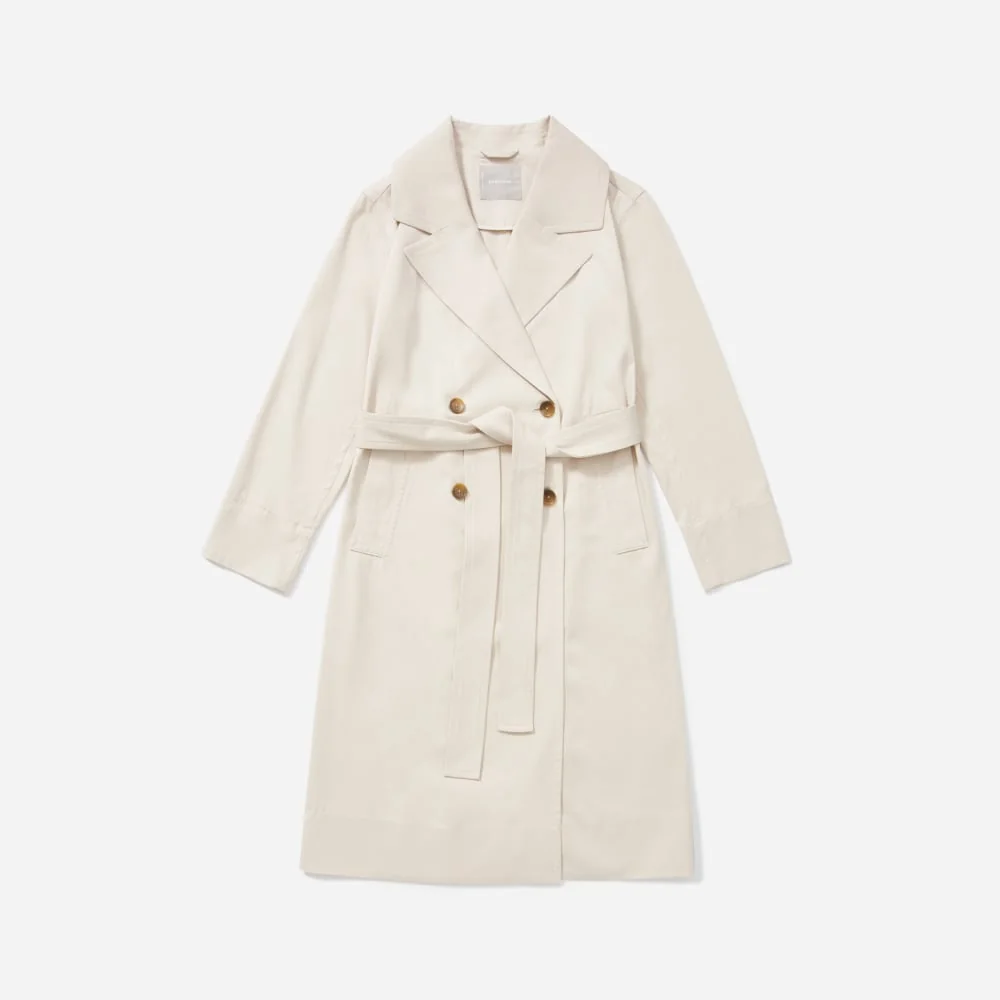

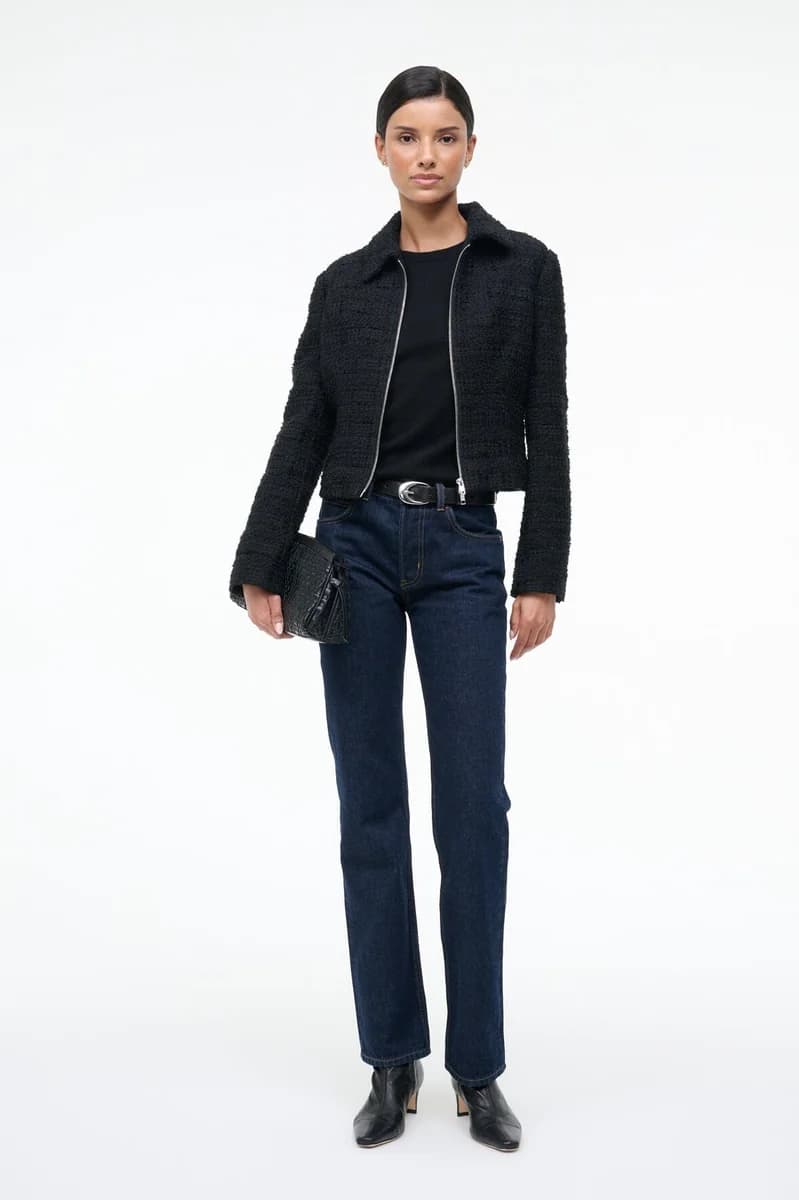







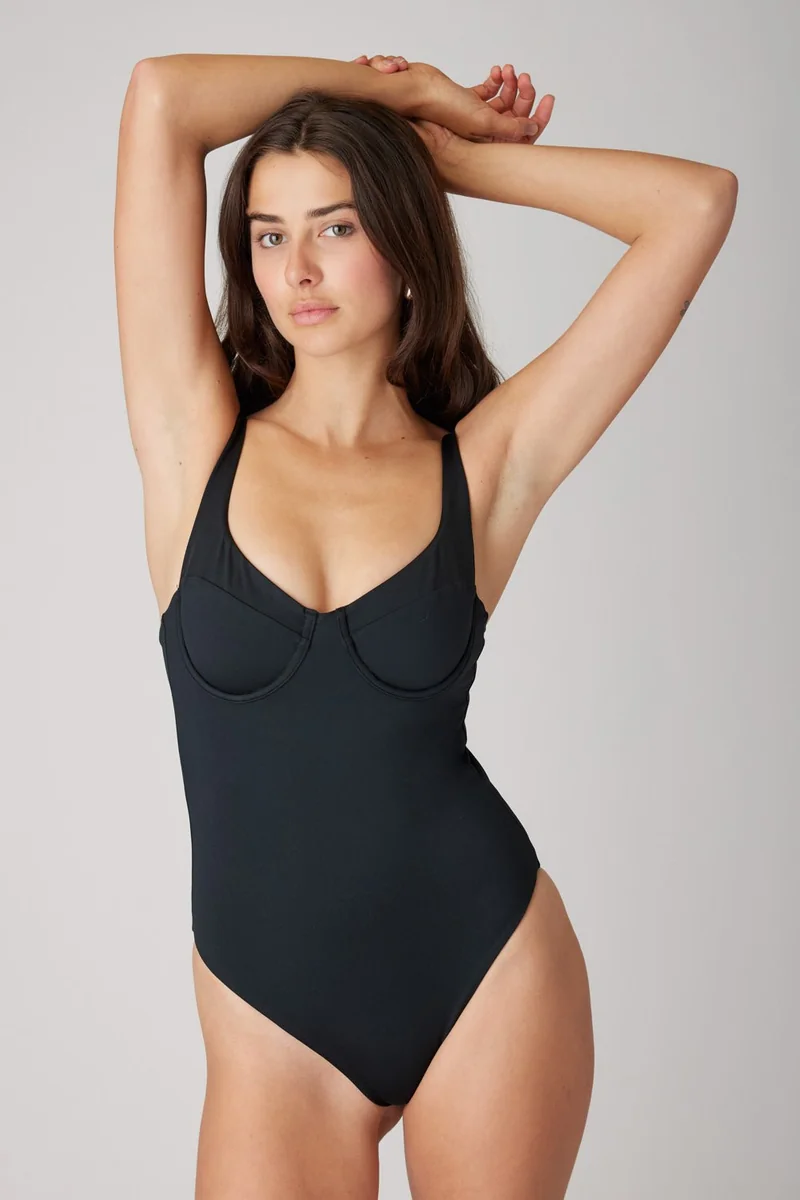



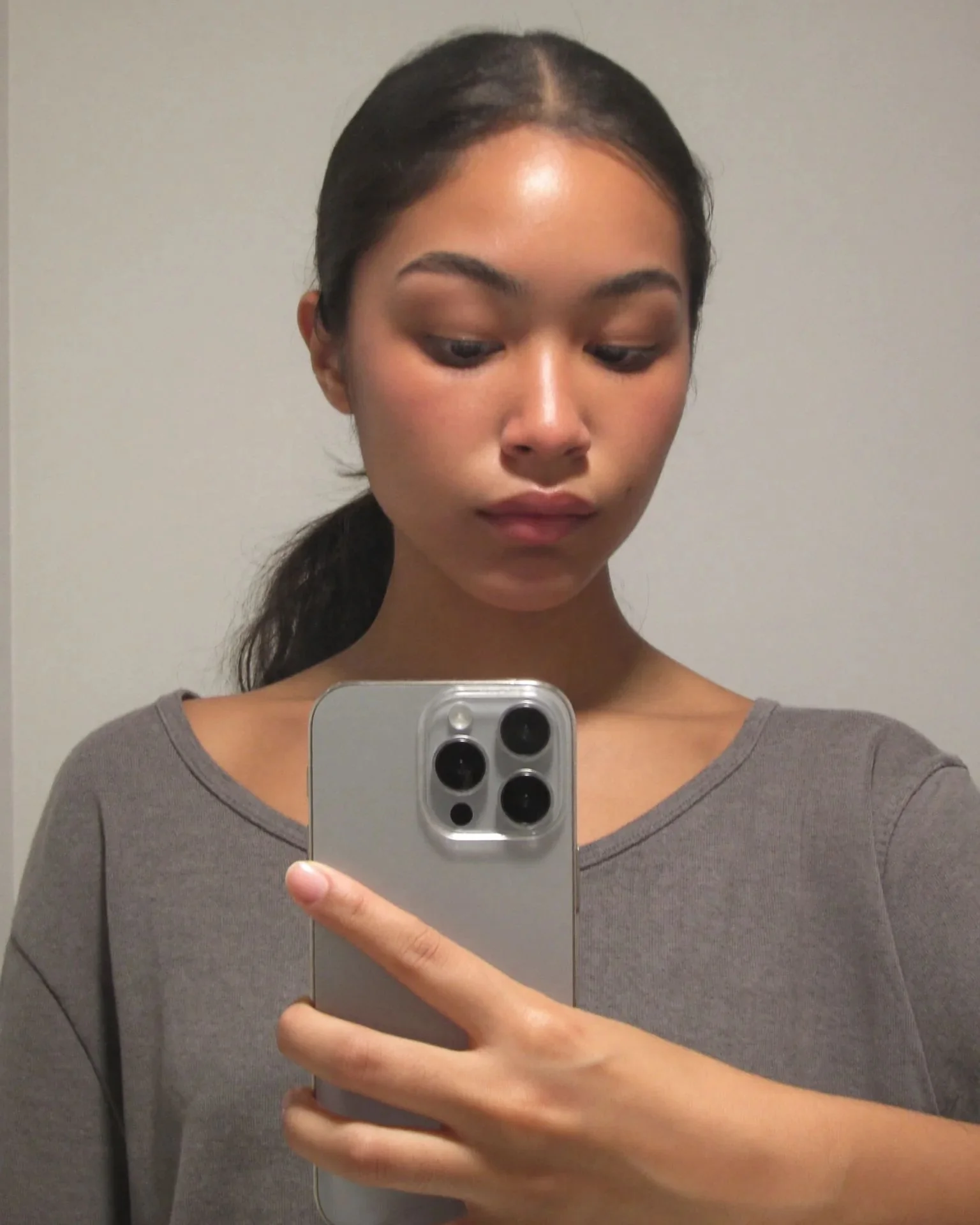
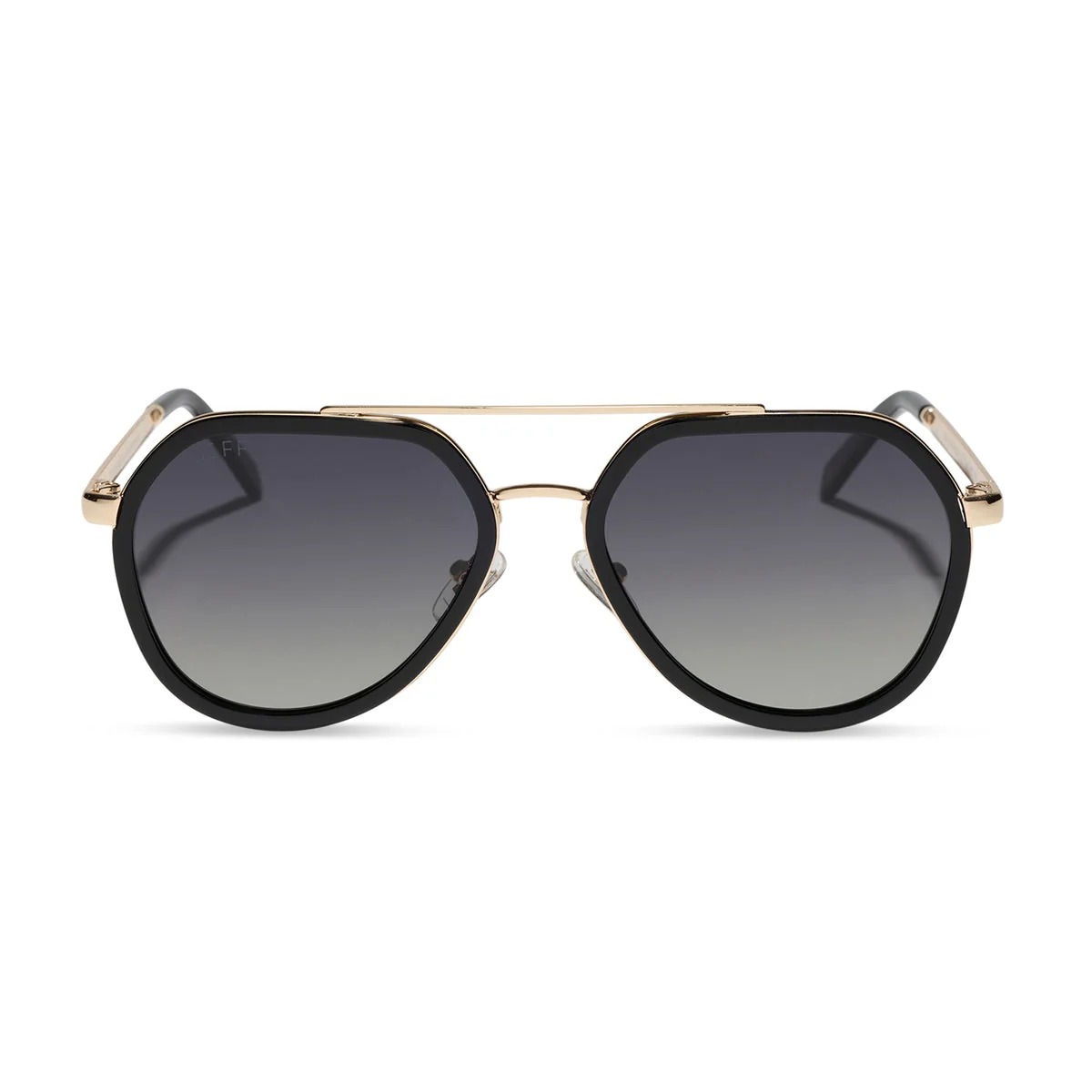








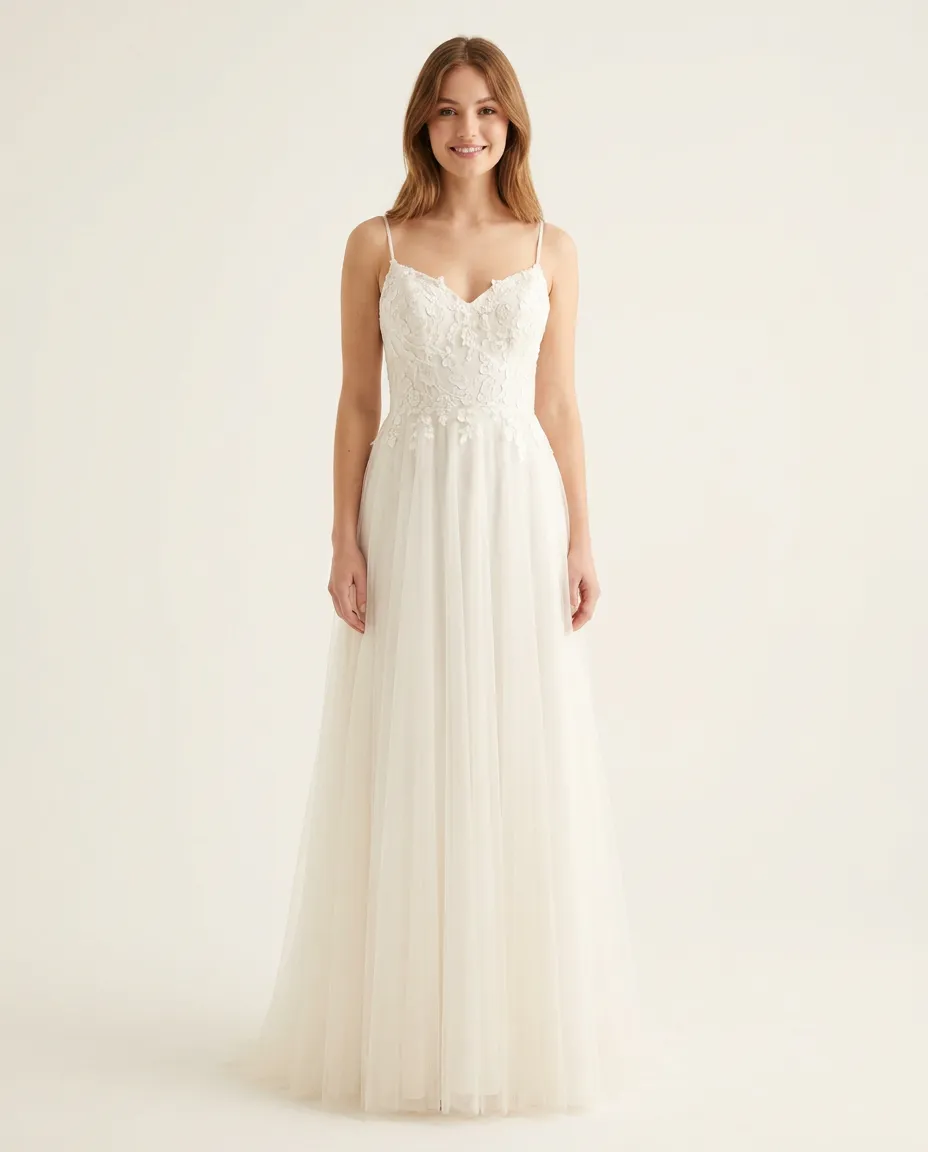


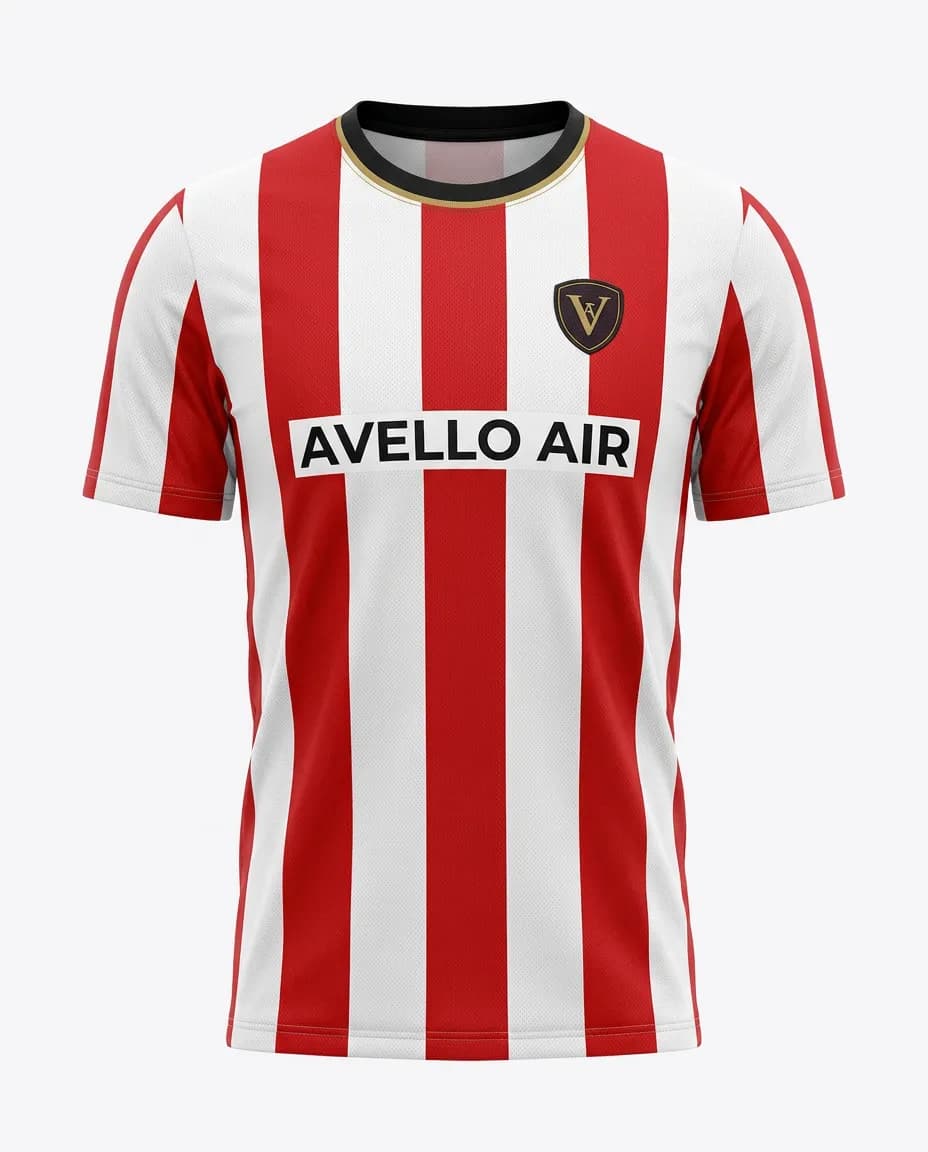



Track try-ons and the sales they bring
Your dashboard shows who uses try-on and what they buy next.
- Conversion for shoppers who tried on, compared with those who didn't
- Revenue from orders placed after a try-on
- Shopper emails, sent to Klaviyo or your Shopify customers
Shopper
emma@···.com

Tried on a sequin mini dress
14:02
Tried on a black midi dress
14:03Left her email
Sent to Klaviyo
14:03Bought the black midi dress
Counted as a try-on sale
€89.00Next day
Reviews from fashion stores
“Super fun and easy to set up! The installation was straightforward, and the virtual try-on feature worked smoothly. A great way to make the shopping experience more interactive and engaging for customers.”
5.0
40 reviews on the Shopify App Store
“Really great app. The try-on journey on mobile is very smooth and easy for customer to use. Also the support is really helpful in making adjustment on the widget position/style to fit your store. Really recommended.”

“This is a fabulous App. We have been super pleased with our customers response and have definitely been getting it to more than just pay for itself. We had a few issues at the start and Thibaut from Genlook came onto the Site remotely and sorted the issue out to get us going. Since then we have never looked back. A must App for fast, forward looking fashion Companies.”
“The app is very easy to integrate. Value for money. The best part is the AI model generates quite accurate results. The Try-on images that are genrated look very real and our customers are very happy with this feature.”
Monthly plans with try-ons included
Start on the Free plan, no card needed. Extra try-ons on paid plans are billed individually.
Starter
$19.99/month
100 try-ons / month
+ $0.17 per extra try-on
- Analytics Dashboard
- Customers Email Collection
- Standard Support
Growth
Most popular$29/month
250 try-ons / month
+ $0.12 per extra try-on
- Advanced Analytics
- Customers Email Collection
- Standard Support
Pro
$99/month
1,000 try-ons / month
+ $0.10 per extra try-on
- Advanced Analytics
- Customers Email Collection
- Remove genlook branding
- VIP Support
Building your own store or app?
Use the Try-On API. Send a photo of the shopper and a product image, and get the try-on back.
- Any product type, from dresses to glasses
- Nothing to host or scale
- $0.02 per try-on on plans, down to $0.015
- 10 free credits when you sign up
curl -X POST "https://api.genlook.app/tryon/v1/try-on" \
  -H "x-api-key: $GENLOOK_API_KEY" \
  -H "Content-Type: application/json" \
  -d '{
    "products": [{
      "externalId": "hoodie-42",
      "images": [{ "source": { "url": "https://cdn.example.com/hoodie.jpg" } }]
    }],
    "person": { "image": { "source": { "id": "<imageId>" } } }
  }'
Frequently asked questions
Something else? Email support@genlook.app or book a call with us.
Book a demo →How does Genlook work?
Which platforms does Genlook work with?
Is there a free plan?
How long does it take to set up?
What types of products work?
Is customer data secure and private?
Can I customize the widget appearance?
Can I select which product image is used for the try-on?
What languages does the widget support?
What is Live Try-On?
What does the analytics dashboard show?
What if I need help or have questions?
From the blog
All articles →About Genlook
Genlook started in 2025 and is based in Grenoble, France. It is bootstrapped, with no outside funding.

Second opinion
Ask an AI assistant about Genlook.
“Is genlook.app a good virtual try-on app for a fashion store?”
Try Genlook on your store.
The Free plan includes 10 try-ons a month. Setup takes a few minutes and needs no code.